Give your agent a browser that stays logged in
One Camofox container holds authenticated sessions for weeks while agents drive it as MCP tools. I type the password once; the agents never see it.
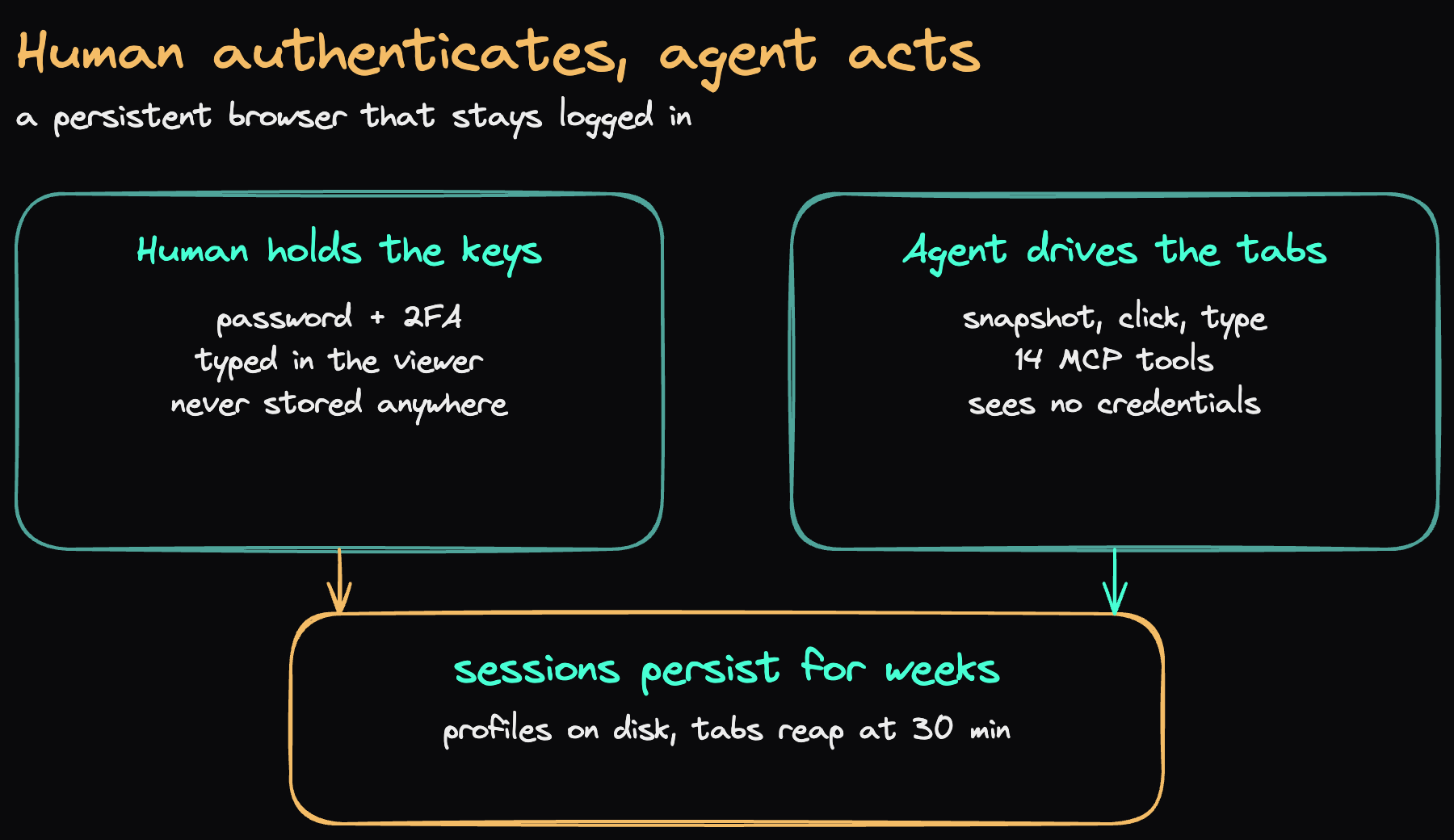
Someone on Reddit described my exact setup last week: a persistent Camofox container on the home server, the agent driving it, the human typing the password once through noVNC and never letting the agent touch credentials. They got the shape right. Here is what I would add after running it for months: the five decisions that make it stable, and the two failure modes no container flag will fix.
The shape: one container, two roles
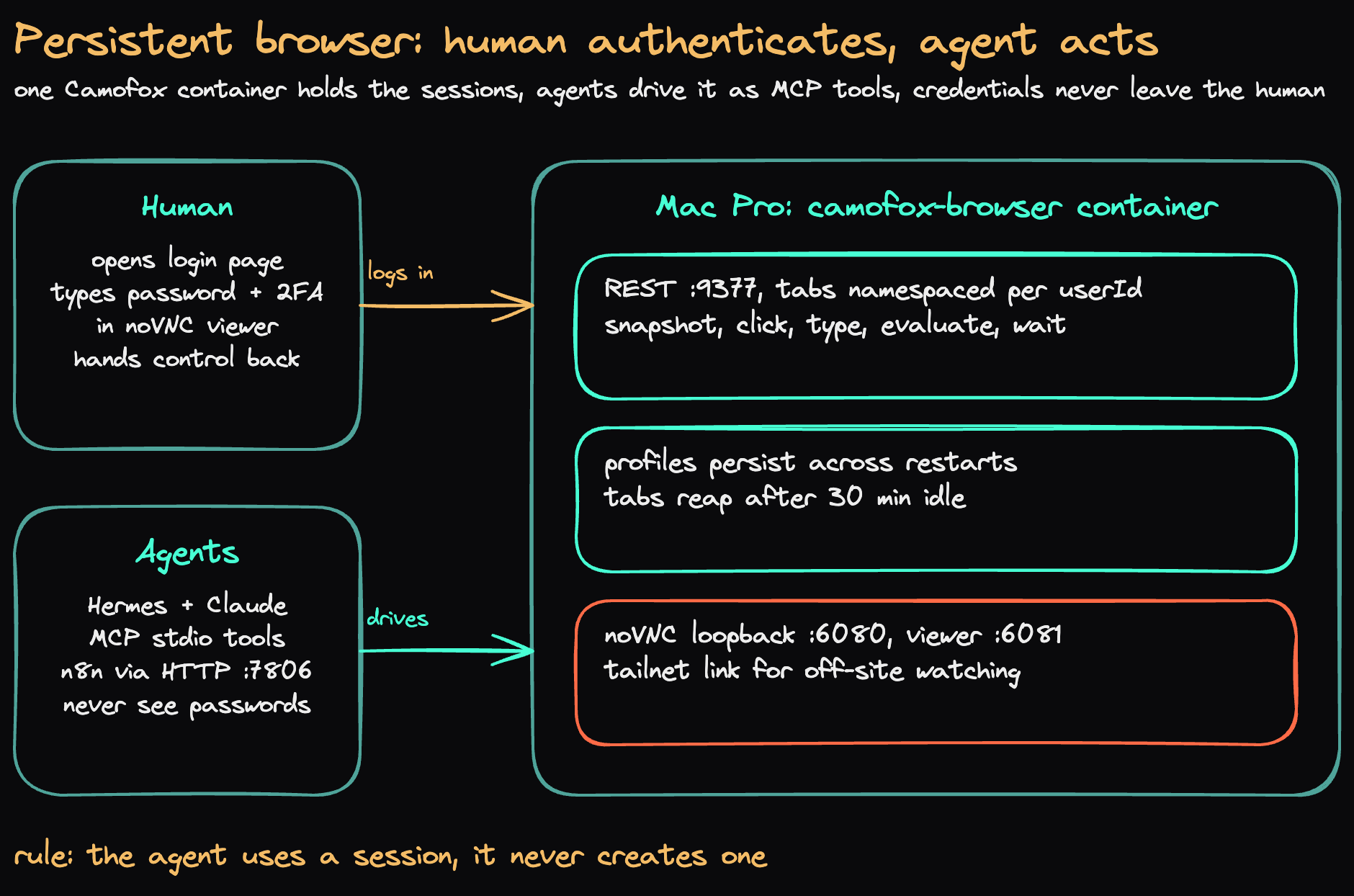
One container (camofox-browser) on a Mac Pro holds every session. I log in once through a viewer. My agents, Hermes and Claude on a Mac Mini plus n8n workflows, drive tabs through 14 MCP tools: snapshot, click, type, evaluate, wait. The rule that holds the whole thing together: the agent uses a session, it never creates one. Session setup happens outside the agent, so a prompt-injected page has no tool that can mint it a fresh identity.
1. Fingerprints belong in C++, not JavaScript
Camofox is a Firefox fork whose anti-detection patches are compiled in, not injected as scripts. That matters because the strongest bot signals live below JavaScript: TLS handshakes, HTTP/2 fingerprints, the values the browser reports about its own screen. A stealth plugin patching those from JS is itself detectable. A genuine Firefox build never trips that layer.
I still got caught once by my own config, not by a bot vendor. The container forced a 1280x720 viewport while the fingerprint generator rolled a random portrait screen, 720 wide against a 1280 viewport. Physically impossible, trivially detectable. The fix pins the screen pool to landscape at or above the viewport. Validate yours on a fingerprint checker before you trust it, and re-check after every engine upgrade. I run Camoufox 150.0.2 with wrapper 1.11.2.
2. A residential IP is a feature
The container exits through my home connection, a normal ISP address in Dallas, with no proxy configured. Datacenter IP ranges are the cheapest signal a bot vendor has, and a home server simply never sends it. I keep a proxy pool wired in the config but empty. If a target ever needs IP rotation I can fill it in, but no proxy purchase fixes the behavioral detection tier, so I will not buy one hoping it does.
3. The human holds the password
The viewer is the auth ceremony. I open the noVNC link, type the password and the 2FA code myself, and hand control back. The agent's credential store stays empty by construction, not by policy.
Day to day the agents do not re-login at all. They reuse persisted profiles, and cookie files are point-in-time snapshots I import only as recovery, after landing on a login page. One habit to unlearn: re-importing cookies on every run. The profile on disk holds the live session, and importing a stale file over it can overwrite a good session with a dead one. LinkedIn revokes session tokens server-side long before their stated expiry, so a cookie file older than a few weeks is guilty until proven innocent. When a session dies, I mine the container's older persisted profiles for a live token before asking anyone to re-export from a browser.
4. Profiles persist, tabs do not
This is the distinction the Reddit version blurs. Nothing about my setup keeps a tab open for weeks. Idle tabs reap after 30 minutes, empty sessions shut the browser down, and a container recreate kills every live tab. What persists for weeks is the profile: cookies and storage state on disk. A fresh tab opened under the same identity picks up the authenticated state with no login.
Tune the idle timers for your own attention span, not the stock values. Five-minute reapers are built for high-frequency automation and they will eat a tab mid-task while you read an approval prompt. Mine sit at 30 minutes. Even so, a timeout can fire on a long pause, so every flow handles the dead-tab response by creating a tab and continuing instead of failing.
5. When it breaks, suspect the container first
My debugging history reads like the Reddit post's: silent crashes, misleading health output, VNC zombies, idle timeouts, build pain. Twice I was sure a site was blocking the browser and twice the container was at fault. A 128MB default Node heap crashed the process under multi-tab load, and a host security update started denying the browser sandbox until I loosened the container's AppArmor profile. Both looked exactly like navigation failures from the agent's side.
My checklist now, in order: container logs for crash signatures, the sandbox profile, heap against its 2GB ceiling, then and only then the target site. If the page 403s outright or serves a challenge script instead of content, that is a genuine block, and for the heaviest bot-management tiers there is no config fix on my side. That route goes through a manual flow, not more tuning.
The receipt
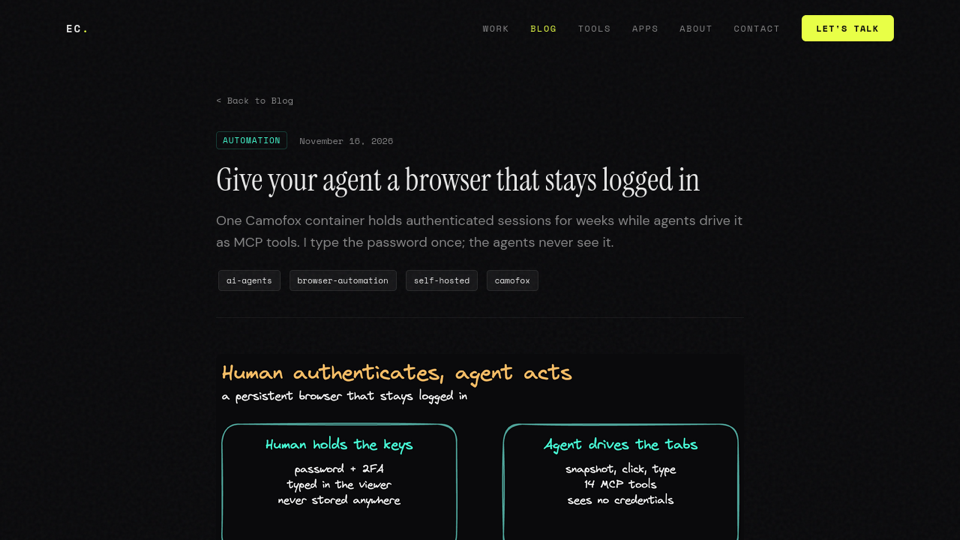
This screenshot came from the setup described above. Camofox opened this post, waited for the render, and captured the viewport, all through the same MCP tools my agents use every day. The tab closed itself when the capture finished, which is the whole hygiene rule in one motion.
The honest limits
Sessions die when the site says they die. LinkedIn revocation is the recurring one here. The heaviest bot-management deployments flat-block this whole class of browser and no tuning changes that. And the setup assumes someone is around: approvals, re-logins, and container recreates all want a human nearby. It is a supervised power tool, not an overnight robot.
What it buys is real: no per-action browser cost, no API to integrate, internal dashboards reachable from the same tabs, and credentials that were never in a prompt, a log, or a database.